
Start your account: register, login, verify
Welcome to 1win Ghana. 1win registration gives you access on the official website and mobile app for sports, casino, bonuses, and secure payments.
Login is required to bet and play, and verification keeps your account safe and ensures withdrawals.
Help is available 24/7, and you can use code 1WINGHANA for +150% on the first deposit.
Welcome bonus
+150% first deposit
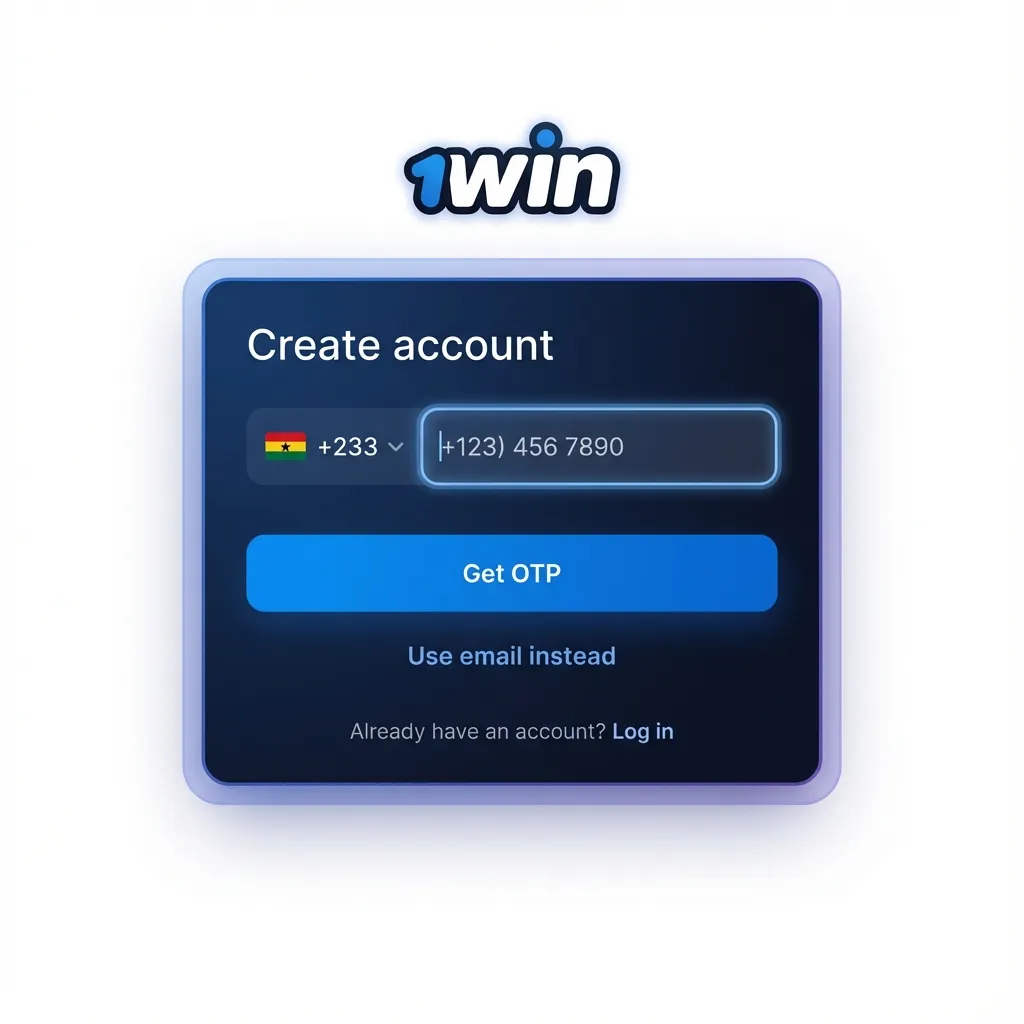
How to sign up and create your account
You can finish 1win sign up in minutes. Registration here is simple for Ghana users.
Choose method: One-click, phone or email, or 1win sign in via Google, Apple, or Facebook.
Enter details: Add Ghana phone or email, create a strong password, choose GHS.
Confirm age and terms: Tick the box to accept the rules and confirm 18+.
Add promo code (optional): Enter 1WINGHANA now or apply it after login.
Register on the mobile app
The mobile app uses the same quick steps as the website. You can 1win register in the app in a few taps.
Pick method: One-click, phone/email form, or social login.
Fill your details: Phone or email, password, and currency set to GHS.
Verify contact: Enter the SMS or email code sent to you.
Finish: You can now log in and make your first deposit.
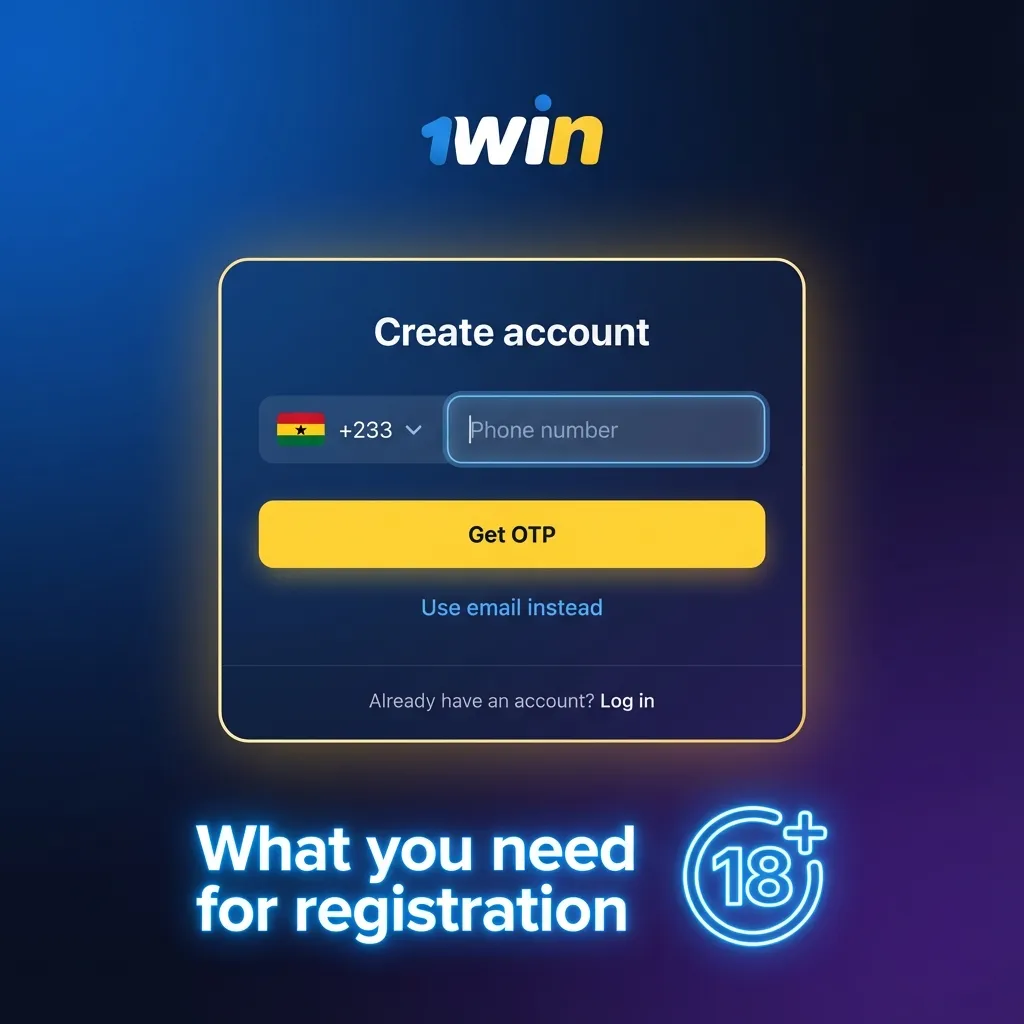
What you need for registration
Sign up is designed for Ghana users and takes only a few steps. Your personal data is protected, and you control your login and security settings. These rules apply when you 1win register online or in the app. Keep your information accurate to avoid delays.
- Age 18+: Gambling is for adults only under Ghana law.
- Real details only: Use your legal name, your own phone or email, and a valid address.
- One account per person: No duplicate accounts or shared profiles.
- Valid ID for KYC: Ghana Card, passport, or driver’s licence may be requested.
- Proof of address: Utility bill or bank statement (up to 3 months old) may be needed.
Account verification (KYC) in Ghana
1win account verification confirms your identity and protects your funds. This 1win verification is required for withdrawals in Ghana.
Profile details: Enter full name, date of birth, and address exactly as on your ID.
ID upload: Submit clear photos of your Ghana Card, passport, or driver’s licence.
Liveness check: Take a selfie or short video if requested.
Address proof: Upload a utility bill or bank statement issued in the last 3 months.
Review and result: You receive an update in your profile and by email once processed.
How to log in to your account
1win account login lets you access bets, games, and your balance.
Click the button below: Go to the login form.
Enter credentials: Use phone or email and your password.
2FA code (if enabled): Enter the code from SMS or authenticator app.
Tap “Log in”: You are ready to bet or play.
Welcome bonus after you register
After registration, you can claim a welcome bonus for casino and sports betting. Use code 1WINGHANA to get +150% on the first deposit.
- Casino bonus: +150% on first deposit; minimum deposit GHS 10; wagering 35x bonus within 14 days; game contributions vary. Check the bonus rules in your account.
- Sports bonus: +150% on first deposit; minimum deposit GHS 10; wagering 5x on multiples, minimum odds 1.50 per leg, within 14 days. Terms may change; see Promotions.
- How to apply: Enter 1WINGHANA on the deposit screen to receive the offer.
How to claim your welcome bonus
Claiming the offer takes a few steps after sign up.
1) Open deposit: Go to Cashier and choose a payment method.
2) Enter code: Type 1WINGHANA and the amount you want to deposit.
3) Confirm payment: Complete the transaction and check the bonus wallet.
4) Follow rules: Meet wagering before requesting a withdrawal.
Registration problems and quick solutions
Here are common issues Ghana users report and how to fix them. Contact support if the problem continues on the platform.
- No OTP received | Check network, request a new code after 60 seconds, or try email verification.
- Email not arriving | Check Spam, add the site to safe senders, or use phone number instead.
- Phone already in use | You may have an account; use password recovery or contact support to review.
- Name mismatch | Update profile to match your ID or send documents for manual review.
- Document rejected | Retake photos in good light, show all corners, and upload again.
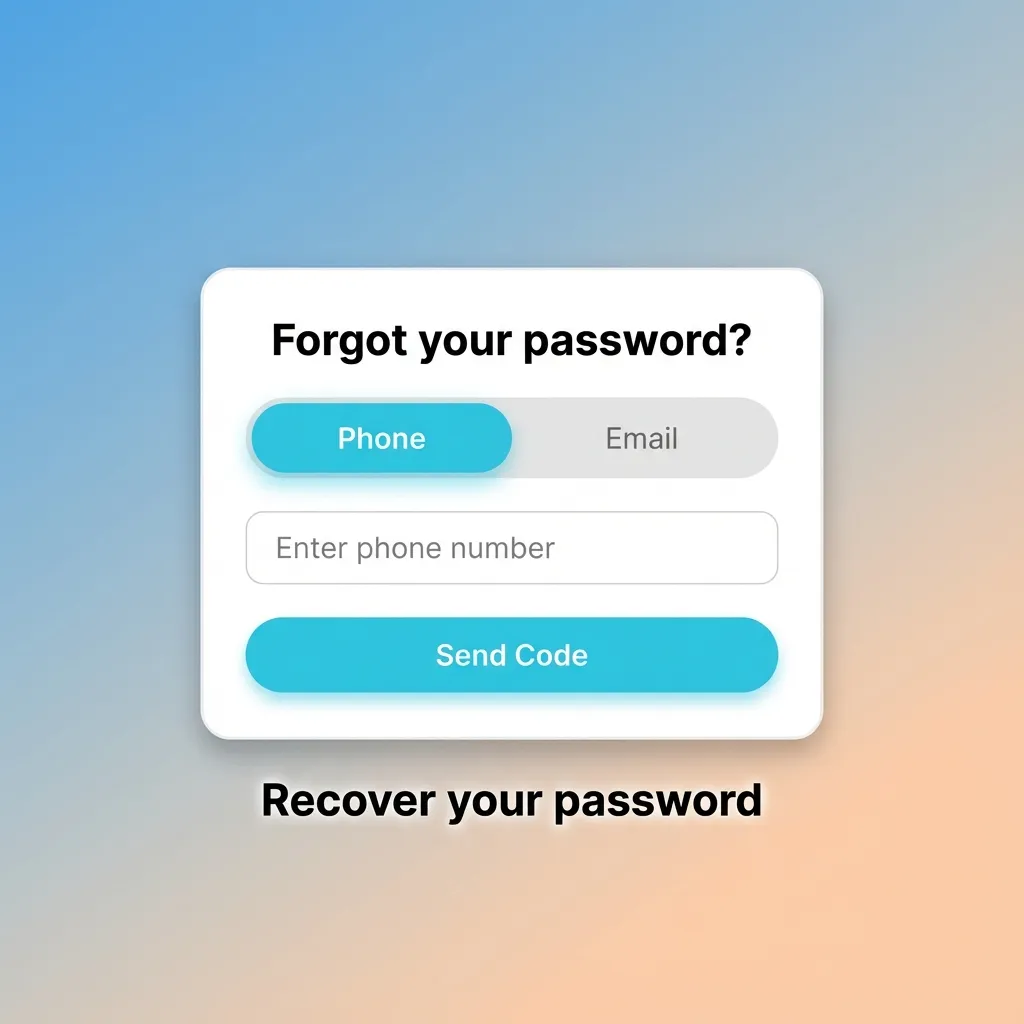
Recover your password
You can reset your password any time if you forget it. Your login will be restored after a short confirmation.
- Tap “Forgot password” on the login page.
- Choose SMS or email reset and enter your registered contact.
- Enter the code sent to you and set a new strong password.
- If you lost access to both, contact support for identity verification.
Delete your account if you need to
You might close your account for a personal break, budget control, or responsible gambling. Funds should be withdrawn before closure.
- Contact support: Request permanent closure via live chat or email.
- Confirm identity: Provide ID if asked to verify ownership.
- Withdraw balance: Cash out any remaining funds to your payment method.
- Receive confirmation: You will get a final note when the account is closed.
FAQ
Is registration free in Ghana?
Yes, creating an account is free. Network or payment providers may apply standard fees.
Do you support Mobile Money for deposits and withdrawals?
Yes, MTN MoMo, Vodafone Cash, and AirtelTigo Money are available. Processing time depends on your provider.
How do you change your registered phone number or email?
Log in, go to Profile, update the contact, and confirm it via SMS or email code.
What football bet types can you place?
Match winner, Over/Under, Both Teams to Score, handicaps, and multi bets are available.
How is my data protected?
Your 1win account uses encryption, secure login, and 2FA options to keep personal information safe.
Updated: