Fast desktop app for betting and casino in Ghana

Enjoy sports betting, live casino, roulette, slots and table games on a free desktop app for Windows and macOS. It matches the website features and adds faster load times, full screen play and stable sessions. Start your 1win download for PC and play comfortably on your computer.

Fast Ghana desktop betting and casino app for Windows and macOS with live casino, roulette, and slots.

1win PC client review for Ghana users

The 1win PC app delivers quick logins, faster page loads, and fewer lags. Expect smooth navigation, full screen tables, and better focus for long sessions.

Available Languages

English, Portuguese, Hindi, Spanish, Russian

Category

Sports betting, Online Casino, Live Casino, Slots, Table Games, Virtual Sports

Compatible with Windows

Windows 8.1, Windows 10, Windows 11 (64-bit recommended)

Compatible with macOS

macOS 10.13 High Sierra or newer, including Big Sur, Monterey, Ventura, Sonoma

Pros and downsides of the 1win app for PC

Thinking about installing on your computer? Here are the main gains and a few trade-offs to help you decide.

Pros Cons
Faster page and game loading Requires storage space on your computer
Stable sessions during live betting Occasional updates needed
Full screen casino tables and slots First-time setup on macOS may need security approval
Quick login and saved settings Desktop notifications may need configuration
Lower CPU use during long play
Multi-window betting and streaming
Keyboard shortcuts for search and filters

How to get the 1win app for Windows

The Windows desktop app runs on most modern PCs and needs minimal resources. It works on Windows 8.1, 10, and 11 and performs well on standard broadband.

Step 1

Click to download

Press the button below to start the installer for your computer.

Step 2

Save the file

Choose a folder on your PC and wait for the download to finish.

Step 3

Open the installer

Double click the downloaded file to begin setup.

Step 4

Allow permissions

Confirm any Windows prompts and choose your install location.

Step 5

Complete setup

Finish installation, launch the app, then log in to your account.

Install the 1win app on Mac

The Mac version is built for Intel and Apple Silicon devices. Most Macs on macOS High Sierra or newer are compatible.

Step 1

Click to download

Hit the button below to get the macOS installer.

Step 2

Open the package

Find the file in Downloads and double click to start.

Step 3

Approve installation

If prompted, go to System Settings then Privacy and Security to allow the app from the identified developer.

Step 4

Finish and launch

Drag the app to Applications, open it, and sign in to your account.

Update the PC client to the latest version

Keeping the 1win for PC client updated gives you new features, security fixes, and better performance.

Step 1

Open the app

Click the desktop icon to access the betting site inside the client.

Step 2

Check for updates

Go to Menu then Settings then Updates.

Step 3

Download update

Confirm the prompt and wait for the process to complete.

Step 4

Restart the app

Close and reopen to apply the new version.

Register in the desktop app and start betting

Create your account in minutes and access welcome offers, fast markets, and all casino lobbies.

Step 1

Open the app on your computer

Launch from your desktop or Applications.

Step 2

Start registration

Click Sign Up in the top bar.

Step 3

Choose a method

Register by one-click, email, phone, or social account as available.

Step 4

Confirm details

Verify contact info, set a strong password, then log in.

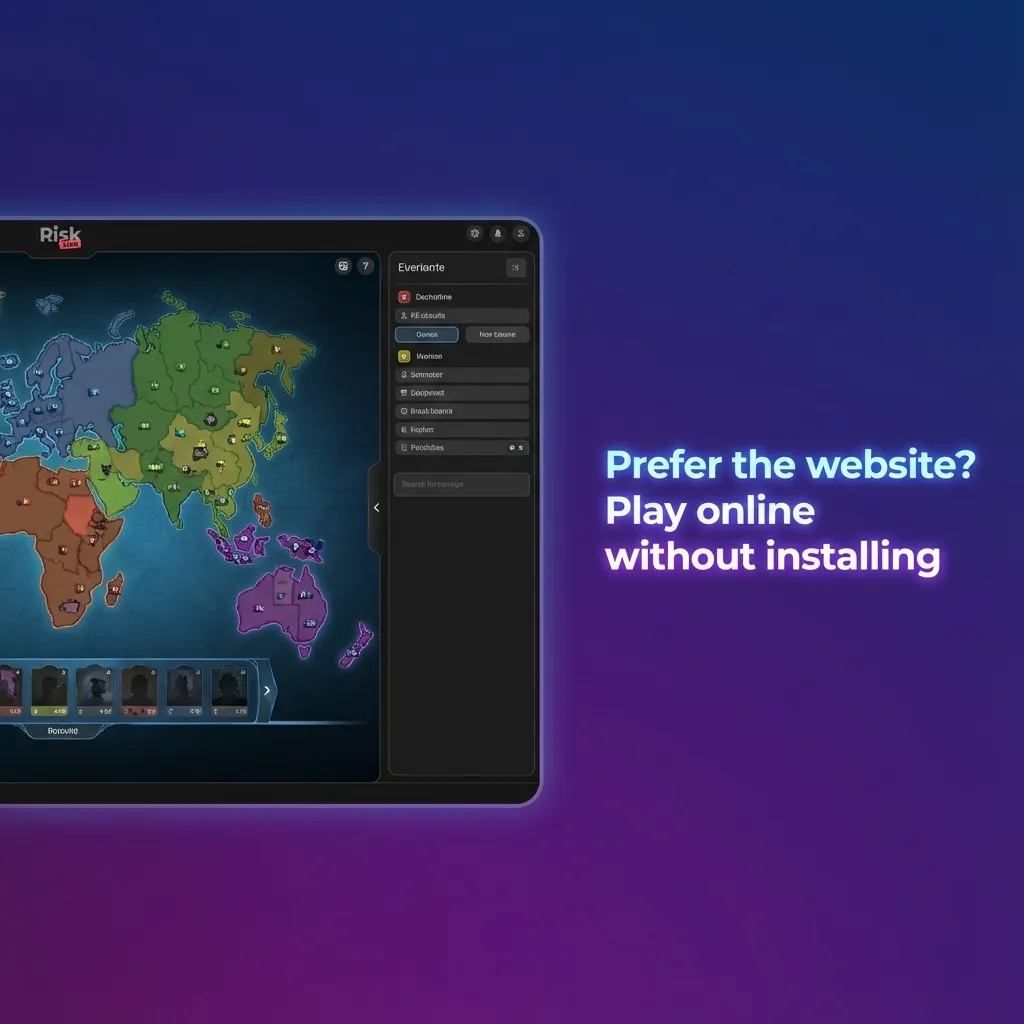
Prefer the website? Play on desktop without installing

You do not need the PC app to enjoy the full platform. The official website runs on any modern browser and covers betting, live casino, slots, and more. You can log in, deposit, and play the same markets as the client. It is a good option if you use shared computers or want no installation.

Support options for desktop players in Ghana

Help is available 24 or 7 for desktop users. Use in-app tools or the official website to reach the team.

  1. Live Chat: Open the chat icon in the app or on the website footer and start a session.
  2. Email: Go to Help Centre then Contact Us and submit your issue through the email form.
  3. Social Media: Use the verified links in the footer to message the official pages on Facebook, Instagram, and X.
  4. Telegram: Join the verified channel from the footer and send a direct message.
  5. Phone: Not provided in Ghana at this time. Use chat for urgent help.
  6. Help Articles: Open Help Centre then FAQ for guides on account, deposits, and play.

FAQ

Is the PC app free to download and use?

Yes, the installer is free and the client costs nothing to run.

Do I need a new account if I used the website before?

No, use the same login and password on the desktop client.

What internet speed is recommended?

Any stable connection works. A steady 5 Mbps or higher is recommended for live casino and streaming.

Does the client support full screen live casino?

Yes, tables and slots support full screen and windowed modes.

How do I uninstall the app?

On Windows, open Apps in Settings then uninstall. On Mac, drag the app from Applications to Bin, then empty Bin.

Updated: